Lewdora
Log in
Need help?

NSFW AI image generator

Create NSFW AI images with an anime-first workflow.

Lewdora turns a written idea into fictional adult anime artwork. Choose an anime-focused model, describe the scene, add a reference when you need more control, and keep the finished result in your personal browser gallery.

Short answer

What this means in practice.

Lewdora is an adult-only NSFW AI image generator built specifically for anime artwork. It combines text-to-image generation, optional image references, model controls, and private browser storage in one workflow.

  • Anime-focused models and generation controls
  • Optional character, pose, and image-to-image references
  • A private browser gallery instead of a public feed
  • Free signup credits with no credit card required

The details that affect the result.

From a prompt to a directed result

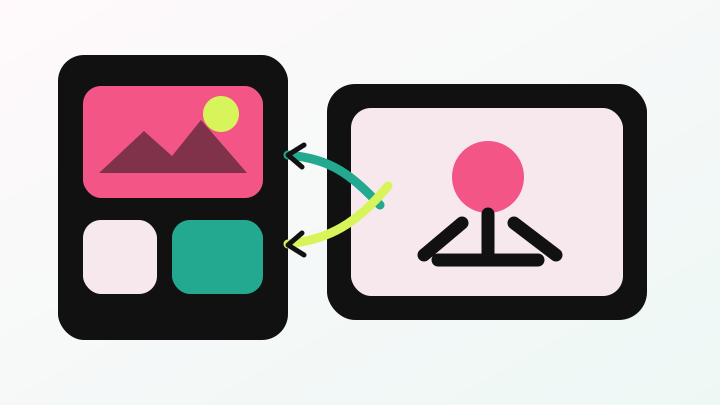
Start with the subject, composition, lighting, expression, clothing, and visual style you want. Model and generation settings let you change the look without rebuilding the whole workflow. When words alone are not enough, a compatible reference can guide identity, structure, or the starting composition.

Built for fictional adult anime artwork

Lewdora is available only to adults aged 18 or older. It is designed for fictional adult artwork. Content involving minors or ambiguous ages, non-consensual sexual content, unlawful material, unpermitted sexual deepfakes, and violations of another person’s rights is prohibited.

Privacy without misleading promises

Lewdora does not publish personal generations to a community feed. The service still temporarily processes prompts, references, and results to provide generation. Completed images can be saved to a gallery stored in your browser, where you can review, download, or delete them.

Workflow

A useful way to start.

  1. Describe the image

    Write a clear prompt covering subject, scene, pose, camera, lighting, and style.

  2. Choose a model

    Select an anime-focused model whose look and supported controls fit the idea.

  3. Add optional guidance

    Use image-to-image, character, or pose reference controls when the selected model supports them.

  4. Generate and refine

    Review the output, adjust the prompt or settings, and save the result you want to keep.

How to use

Learn how to write stronger prompts, use references, manage privacy, and choose the right pass.

Product comparisons
Lewdora | NSFW AI Image Generator